
Websites have long used robots.txt to tell crawlers where they may go and sitemap.xml to list their pages. Neither file was designed to help a language model understand what a site is about or which pages matter most. llms.txt is a proposed answer to that gap. It is a short, plain-text file that gives AI systems a curated summary of your website and points them to the pages you consider most useful.
This guide explains what llms.txt is, what its format looks like, how to create one, how to validate it, and how to keep it useful as your site changes. It also covers the limits of the proposal, because the file is not yet a guaranteed ranking or citation signal.
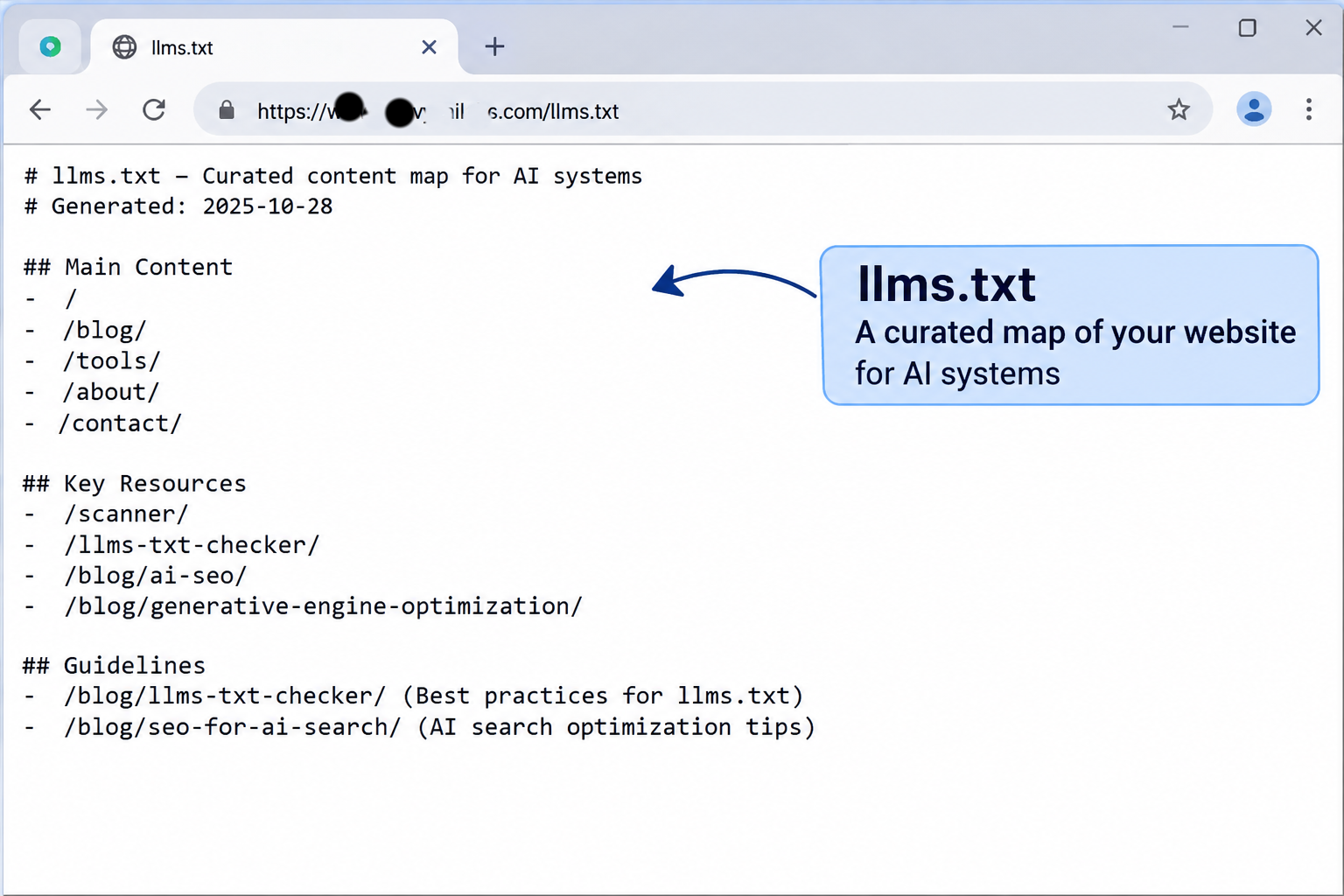
An llms.txt file works like a guided summary: it names the site, explains its purpose, and points to the pages that matter most.
What llms.txt Is
llms.txt is a proposed convention, published at llmstxt.org, that places a Markdown file at the root of a domain, at /llms.txt. The idea is that a language model reading the file can quickly understand the site's purpose and find its most important content without parsing navigation menus, cookie banners, and scripts.
The file is meant to complement existing standards, not replace them:
- robots.txt tells crawlers which paths they may request.
- sitemap.xml lists the URLs you want search engines to discover.
- llms.txt provides a human-readable, curated overview that a model can read in a single pass.
A companion file, often called llms-full.txt, can contain the full text of key pages in one document. It is useful for documentation sites and other content that a model might need to read in depth.
It is important to be clear about the status of the proposal. llms.txt is an emerging convention, not an adopted web standard. Some developer tools and documentation platforms have added support for it. However, no major search or AI provider has confirmed that it is used as a ranking or citation signal. Create the file because it is inexpensive, accurate, and useful for anyone who reads your site with an AI tool, not because it guarantees visibility.
The Structure of an llms.txt File
The proposal defines a simple structure written in Markdown. The elements appear in a fixed order, and each one has a clear purpose.
- An H1 title with the name of the site or project. This is the only required heading at the top level.
- A blockquote summary that describes the site in one or two sentences.
- Optional paragraphs that give more context about the site, its audience, or how the content is organized.
- H2 sections that group related links, such as Documentation, Products, Guides, or Company.
- Link lists where each entry follows the pattern
- [Title](URL): short description. - An optional section titled
## Optional, which marks links a model may skip if it has limited context.
The structure is intentionally minimal. Each link should be absolute, meaning it includes the full URL with the protocol, and each description should be brief enough to explain why the page matters.
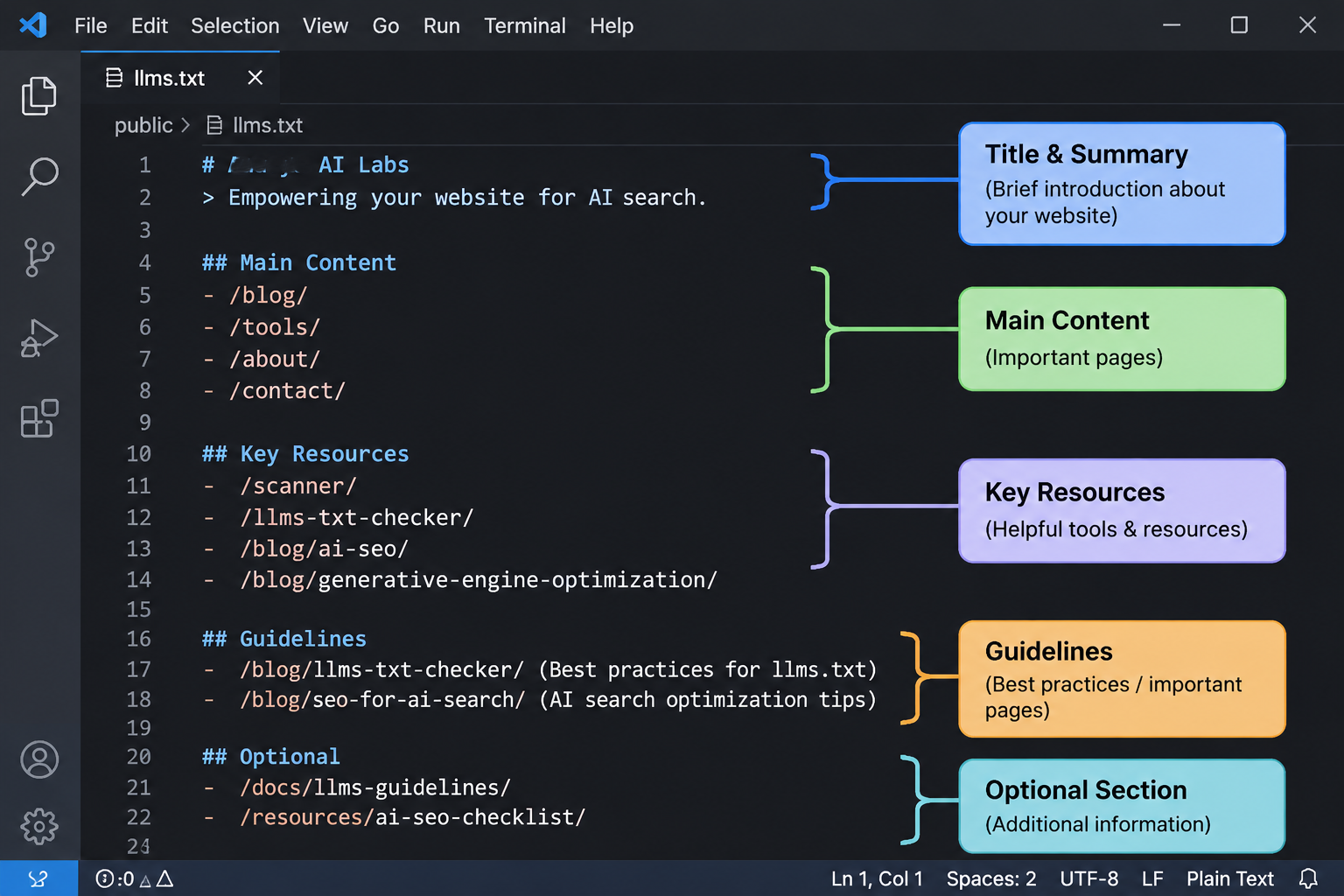
Each element of the file has a specific job, from the title that names the site to the optional section that marks lower-priority links.
An Example File
The following example shows a file for a fictional software company. Replace the names, URLs, and descriptions with your own.
# Example Analytics

> Example Analytics provides website measurement software for small and mid-sized businesses. The product tracks traffic, conversions, and search performance in one dashboard.

Example Analytics serves marketing teams that need reliable reporting without a data engineering team. The documentation covers setup, integrations, and reporting.

## Documentation

- [Getting started](https://www.example.com/docs/getting-started): Installation steps and first-time configuration
- [Tracking setup](https://www.example.com/docs/tracking): How to install the tracking script and verify events
- [Reporting](https://www.example.com/docs/reporting): How to build dashboards and schedule reports

## Products

- [Pricing](https://www.example.com/pricing): Plans, limits, and billing options
- [Integrations](https://www.example.com/integrations): Supported platforms and connection guides

## Optional

- [Company history](https://www.example.com/about): Background on the team and founding
- [Careers](https://www.example.com/careers): Open roles and hiring process
Notice what the example does well. The summary states the product, the audience, and the core value in plain language. Each description explains the page's purpose, not just its title. The lower-priority pages sit in the optional section, so a model with limited context can focus on the content that answers most questions.
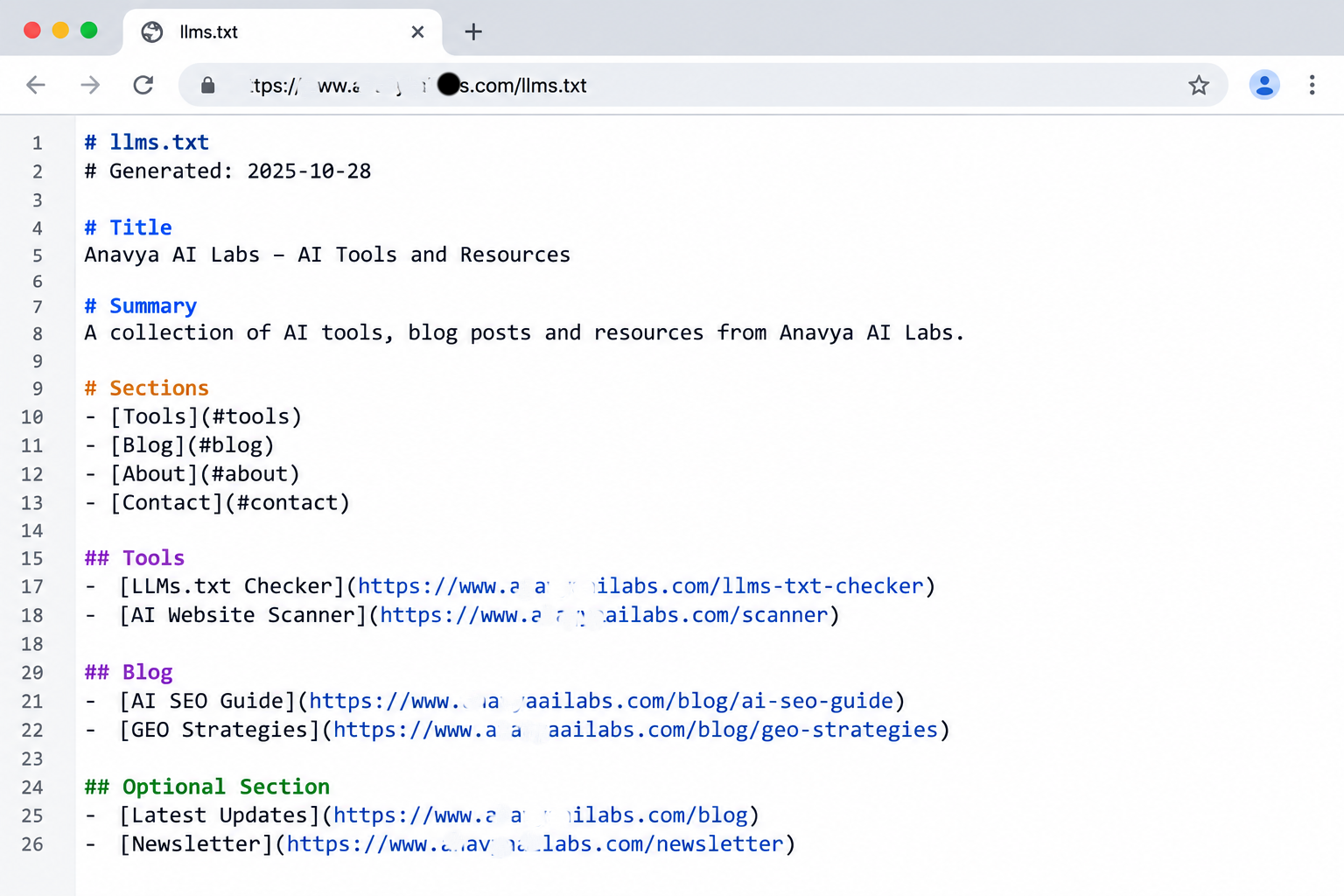
A well-written file gives a model enough context to understand the site and enough direction to find the right page.
How to Create Your llms.txt File
Start by deciding what the file is for. The most common goals are helping AI tools answer questions about your product, helping developers find documentation, and giving a summary of a company to researchers and assistants. Your goal determines which pages you include.
Follow this process:
Step 1: Choose the pages. List the 10 to 30 pages that best represent your site. Include product pages, core guides, documentation, pricing, and key policies. Leave out pages that are thin, duplicated, or temporary, such as campaign landing pages and expired promotions.
Step 2: Write the summary. Describe the site in one or two plain sentences. State what you offer, who it is for, and what makes it distinct. Avoid marketing language. A model needs facts, not slogans.
Step 3: Group the links. Organize pages into sections that reflect how people use the site. Documentation, products, and guides are common examples. Keep the number of sections small.
Step 4: Write the descriptions. Each link should have a one-line description that explains what the page contains. Make the descriptions specific. "Pricing" is less helpful than "Plans, usage limits, and billing terms for each tier."
Step 5: Mark the optional links. Move lower-priority pages into the Optional section so the most important content stands out.
Step 6: Publish the file. Save it as a plain text or Markdown file named llms.txt, and place it at the root of your domain so it is available at https://www.yourdomain.com/llms.txt. Confirm that your web server serves it as text, and that no redirect or access rule blocks it.
If your site has extensive documentation, consider also publishing a llms-full.txt file that contains the complete text of the key pages. Keep it current, because an outdated full version can be more misleading than no version at all.
Make Sure the File Is Accessible to Crawlers
An llms.txt file only helps if crawlers can reach it. Check three things before you publish.
First, confirm that robots.txt does not block the file. A rule that disallows the root directory or a broad pattern can prevent access to llms.txt along with everything else. Second, confirm that the file returns a 200 status code, not a redirect loop or an error page. Third, confirm that the content is visible in the raw response, not generated only by client-side JavaScript.
You can check the response with a single command:
curl -s -o /dev/null -w "%{http_code} %{content_type}\n" https://www.yourdomain.com/llms.txt
The output should show a 200 status and a text content type. If the status is 404, the file is not at the expected location. If the content type is HTML, your server may be returning an error page or a redirect target instead of the file.
How to Validate Your llms.txt File
There is no single official validator for llms.txt, so validation is a combination of format checks, link checks, and content review.
Format checks. Confirm that the file begins with an H1 title, includes a blockquote summary, uses H2 sections for groups, and formats each link as - [Title](URL): description. Malformed lines, missing summaries, and relative links are the most common errors.
Link checks. Every URL should return a successful response. A link that redirects is acceptable if the destination is the page you intended, but a broken link or a page that now says "not found" undermines the file.
Content checks. Read the file as if you were a model seeing your site for the first time. Does the summary explain the business clearly? Are the descriptions accurate? Do the linked pages still match what the file says they contain?
The following script automates the format and link checks. It is a practical starting point, and you should add error handling for production use.
import re
import requests

LINK_LINE = re.compile(r"^- \[(?P<title>[^\]]+)\]\((?P<url>https?://[^)]+)\)(?::\s*(?P<note>.+))?$")


def validate_llms_txt(site):
    url = f"{site.rstrip('/')}/llms.txt"
    response = requests.get(url, timeout=15)
    problems = []

    if response.status_code != 200:
        return [f"llms.txt returned HTTP {response.status_code}"]

    lines = [line.strip() for line in response.text.splitlines() if line.strip()]

    if not lines or not lines[0].startswith("# "):
        problems.append("The first non-empty line should be an H1 title beginning with '# '")

    if not any(line.startswith("> ") for line in lines):
        problems.append("No blockquote summary found (a line beginning with '> ')")

    for line in lines:
        if line.startswith("- ") and not LINK_LINE.match(line):
            problems.append(f"Malformed link line: {line}")

    for line in lines:
        match = LINK_LINE.match(line)
        if match:
            link_url = match.group("url")
            try:
                check = requests.get(link_url, timeout=10, allow_redirects=True)
                if check.status_code != 200:
                    problems.append(f"{link_url} returned HTTP {check.status_code}")
            except requests.RequestException as error:
                problems.append(f"{link_url} could not be reached: {error}")

    return problems or ["No problems found"]


if __name__ == "__main__":
    for message in validate_llms_txt("https://www.yourdomain.com"):
        print(message)
Run the script after every update. It checks the structure of the file and confirms that each link returns a successful response. It does not judge whether your descriptions are accurate, so review that part yourself.
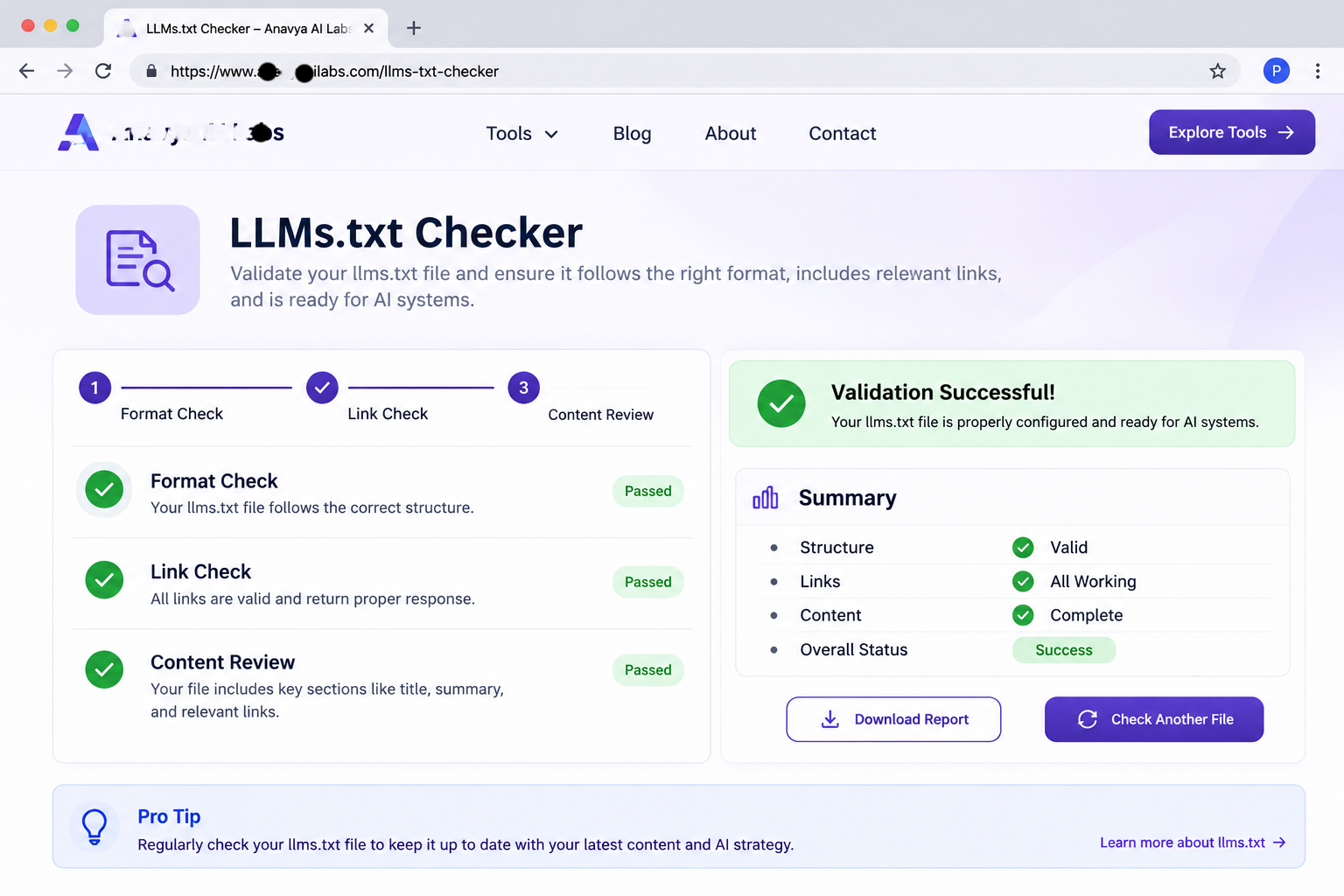
Validation has three parts: the format is correct, every link works, and the content still describes the site accurately.
How to Optimize llms.txt for AI Search
Creating a valid file is the first step. Making it useful requires the same discipline you would apply to any content that you want AI systems to understand.
Lead with facts. The summary and descriptions should answer the questions a reader would ask. What does the company do? Who is it for? What are the main features or services? Specific, factual language is easier to extract and reuse than promotional phrasing.
Match the file to the site. The file should describe what is actually on the site. If you add a major product line, update the file. If you remove a section, take it out. A file that points to pages that no longer exist is worse than having no file.
Prioritize the pages that answer questions. Documentation, pricing, product explanations, and well-structured guides usually matter more than announcements or event pages. Put the most useful pages near the top of their sections.
Keep the pages themselves strong. llms.txt points to content, but the content does the work. Pages that are clearly structured, dated, attributed, and easy to read are more useful to any system that reads them, with or without the file.
Review on a schedule. Set a recurring review, perhaps quarterly, or whenever you publish a significant new section. Check that every link works, every description is current, and no important page is missing.
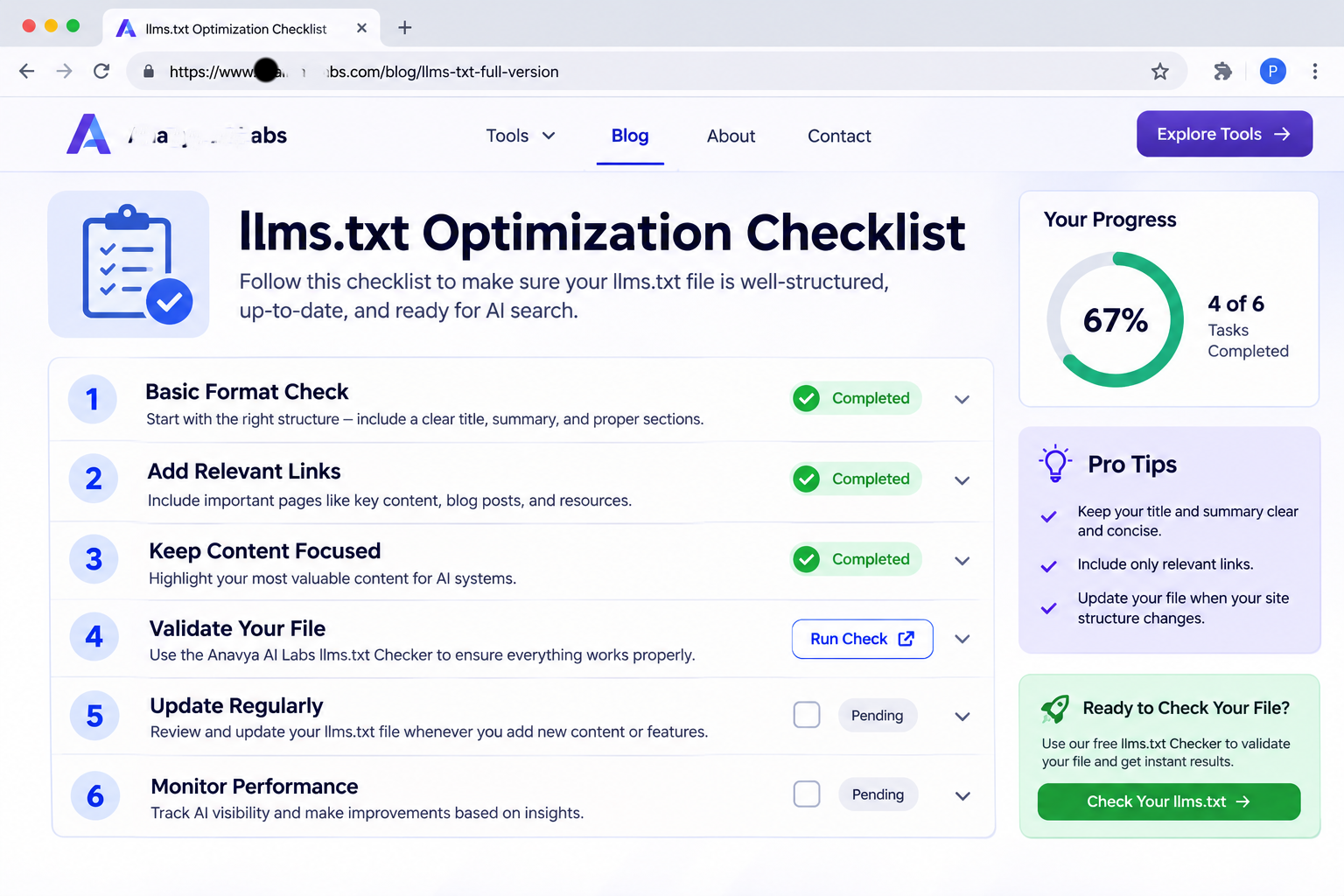
The file is most useful when it stays accurate, factual, and aligned with the pages it describes.
Common Mistakes
Listing every page on the site. A long list with no priority defeats the purpose of a curated file. Select the pages that answer real questions.
Using marketing language in the summary. Phrases such as "the best solution" or "industry-leading innovation" give a model little to work with. State what you do and for whom.
Using relative links. Links should be absolute, including the protocol and domain. Relative links may be misread outside the context of your site.
Letting the file go stale. A file that points to retired pages, outdated pricing, or discontinued products can mislead the systems that read it. Treat it as content that needs maintenance.
Assuming the file replaces robots.txt or sitemap.xml. Each file serves a different purpose. Keep all of them accurate.
Treating llms.txt as a guaranteed visibility tool. The proposal is still emerging, and no major provider has confirmed that it affects rankings or citations. Its value today is clarity and usefulness. Judge it by those standards.
Frequently Asked Questions
Is llms.txt an official standard? No. It is a proposed convention with a published format. It has gained attention and some tool support, but it has not been adopted as a formal web standard by a standards body.
Do AI systems read llms.txt? Some tools and developer platforms support it, and some AI systems may fetch the file. No major provider has confirmed that it is used as a ranking or citation signal, so do not expect it to change your visibility on its own.
Is llms.txt the same as robots.txt? No. robots.txt controls crawler access. llms.txt provides a curated summary and a list of recommended pages. A site can have both, and they work independently.
How long should the file be? Short enough to read quickly, and long enough to cover your most important pages. Many sites find that 10 to 30 links is a practical range, but the right number depends on the size and complexity of the site.
Should I include every product page? Include the products that matter most to your audience and that answer the questions people ask. Group related pages and use the Optional section for lower-priority content.
Does llms.txt need to be updated often? It should be reviewed whenever you change the structure of your site or publish a major new section. A quarterly review is a reasonable baseline for most businesses.
Conclusion
llms.txt is a simple file with a clear purpose: to give AI systems a concise, accurate map of your site and the pages that matter most. It takes a few hours to create and an occasional review to maintain. It is not yet a guaranteed source of visibility, but it encourages the same clarity that makes any website easier to understand and use.
Create the file with care, validate its format and links, keep the content aligned with your site, and review it on a schedule. Treat it as part of a broader effort to make your site clear, accessible, and well structured for the people and systems that read it.
Key Takeaways
- llms.txt is a proposed Markdown file at
/llms.txtthat gives AI systems a curated summary of a site and its key pages. - The file follows a fixed structure: an H1 title, a blockquote summary, H2 sections, and link lists with short descriptions.
- Validate the format, confirm every link returns a successful response, and check that the content is still accurate.
- No major provider has confirmed that llms.txt affects rankings or citations, so judge it by clarity and usefulness.
- Keep the file current, and keep robots.txt and sitemap.xml accurate alongside it.


